SM2 PvP
PvP Game Modes
The Multiple Ways To Fight
- Annihilation
- Pure kill count. K/D ratio is the headline metric; the Cogitator tracks kills, deaths, and damage dealt.
- Seize Ground
- Capture and hold objectives. Score and objective taps are the key columns on your report.
- Capture and Control
- Push and defend the contested points. Time-on-point matters as much as kills.
- Helbrute Onslaught
- The asymmetric mode. Squad coordination against the Helbrute shows in support stats.
The Battlegrounds
Maps
The Cogitator breaks down your Eternal War stats by map, not just as a single combined record. Your history is tracked across seven distinct battlegrounds:
- Cathedrum
- Mausoleum
- Bastion
- Tomb
- Bridge
- Sanctum
- Facility
 Cathedrum
 Mausoleum
 Bastion
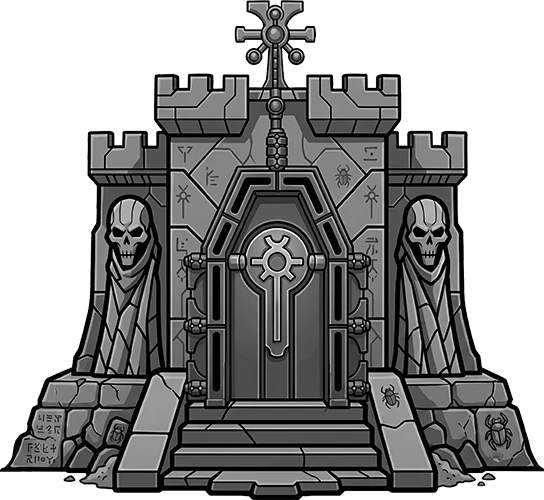 Tomb
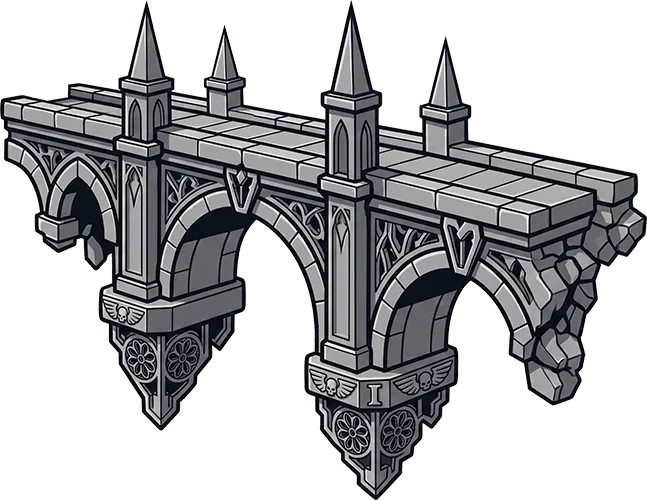 Bridge
 Sanctum
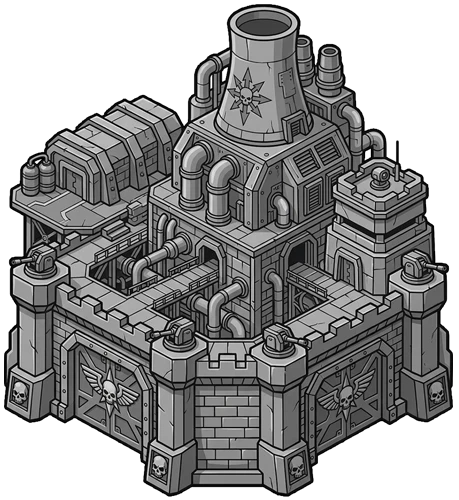 Facility
Visit the stats page on your profile to see your per-map combat record, broken out so you can read where you shine and where you do not.
The leaderboard tracks your performance against the rest of the chapter.
The Scoreboard
Required Screenshot
PvP requires only one screenshot: the end-of-match Scoreboard. From that single image, the Cogitator records the essential marks of battle: assigned team, match mode, battlefield map, victory or defeat, and every callsign displayed upon the board.
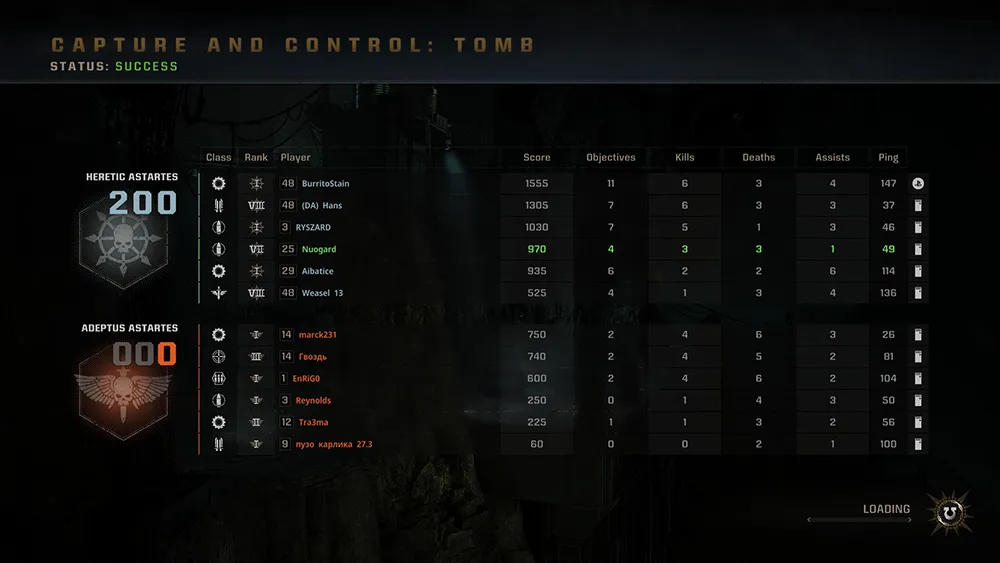
From the scoreboard the Cogitator also scans the rest of the roster and offers any teammates whose PSN, Xbox, or Steam handles are linked to a chapter brother as suggestions. Linked brothers get their stats credited automatically; unlinked names sit aside as suggestions you can dismiss or attach by hand.
Loyalty vs. Heretic
Select Your Faction
After uploading your screenshot, you will need to set the faction you fought for on the form. The Cogitator uses this selection to interpret the scoreboard correctly and assign the proper battle record to each player.
Because PvP scoreboards may display both sides together, this faction choice tells the Cogitator which combatants belonged to your force and which stood against you. From there, it can apply the correct stats, outcome, and faction record to the filing.
The system tracks names you've used on reports, so changing names often might trigger an audit of your submissions.
Common Questions
FAQ
Yes, the stats are recorded either way. Some oaths require victories; others count any match. Read the oath wording.
Only if you have the scoreboard screenshot. A rage-quit exit before the summary leaves no record for the Cogitator to read. File matches you saw through to the end.
Each files their own report with their own faction. The Cogitator will note the conflict but accept both. Stats apply correctly to each side's ledger.
Pick the map from the dropdown before submitting. The Cogitator will fall back to your selection if it cannot read the name from the image.
It pays the standard PvP rate. Helbrute's asymmetry shows up in your support stats column rather than in the geld.